
Cuntspin App on iOS & Android

Cuntspin Casino delivers its mobile experience as a Progressive Web App rather than a native iOS or Android download. The platform installs directly from Safari or Chrome through the Add to Home Screen prompt, gaining an app-like icon that opens the full lobby without an App Store account. The PWA preserves the desktop feature set, including the 7,000+ game library, all bonuses, banking methods and live dealer streams. Installation takes around 30 seconds, storage stays below those of a native app, and the icon remains stable across iOS and Android updates.
How the Cuntspin Progressive Web App Works
A Progressive Web App is a website packaged to behave like a native application after installation. The browser caches the navigation shell, the icon launches into a full-screen view without browser chrome, and push notifications work the same way they do in native apps. The approach matters for online casinos because Apple's App Store and Google Play restrict real money gambling applications, and a PWA sidesteps those restrictions. The Cuntspin Casino implementation runs on the same domain as the desktop site, so credentials, bonus balances and session data sync between desktop and home-screen icon.
Installing Cuntspin Casino on iPhone or iPad
Apple devices use Safari as the only supported browser for PWA installation. Chrome and Firefox on iOS rely on the same WebKit engine but do not expose the Add to Home Screen flow, so Safari is the recommended path.
- Open Safari and navigate to cuntspinn-casino.com
- Tap the Share button at the bottom of the screen (the square with the upward arrow)
- Scroll down in the share sheet and tap Add to Home Screen
- Confirm the icon name and tap Add in the top-right corner
- Open the new icon from the home screen to launch the full-screen lobby
The icon persists across iOS updates without reinstallation, and uninstalling follows the same long-press menu used for native apps.
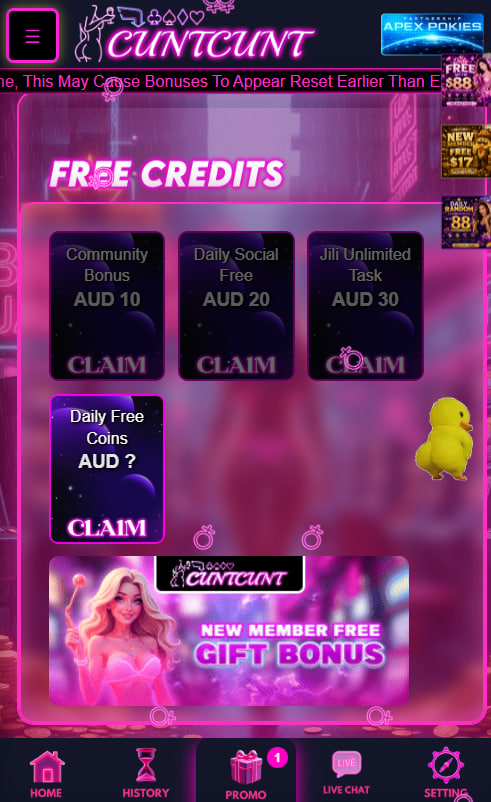
Installing Cuntspin Casino on Android
Chrome on Android handles PWA installation through a built-in prompt that appears automatically on supported sites, or through the browser menu if the automatic prompt does not display.
- Open Chrome and navigate to cuntspinn-casino.com
- Wait for the install banner to appear, or tap the three-dot menu in the top-right corner
- Select Install app or Add to Home Screen from the menu
- Confirm the installation prompt that appears on screen
- Find the Cuntspin Casino icon in the app drawer and on the home screen
Samsung Internet, Brave and Firefox on Android also support PWA installation through similar menu paths. Chrome remains the most reliable option because it triggers the install banner automatically.
Platform Capabilities Compared
Both platforms support the full Cuntspin Casino feature set, with a few differences in how the install flow and notifications behave at the operating-system level.
| Capability | iOS Safari | Android Chrome |
|---|---|---|
| Install prompt | Manual via Share menu | Automatic banner plus menu option |
| Storage footprint | Under 10MB | Under 10MB |
| Push notifications | iOS 16.4 or later | All recent Chrome versions |
| Update mechanism | Automatic on next open | Automatic on next open |
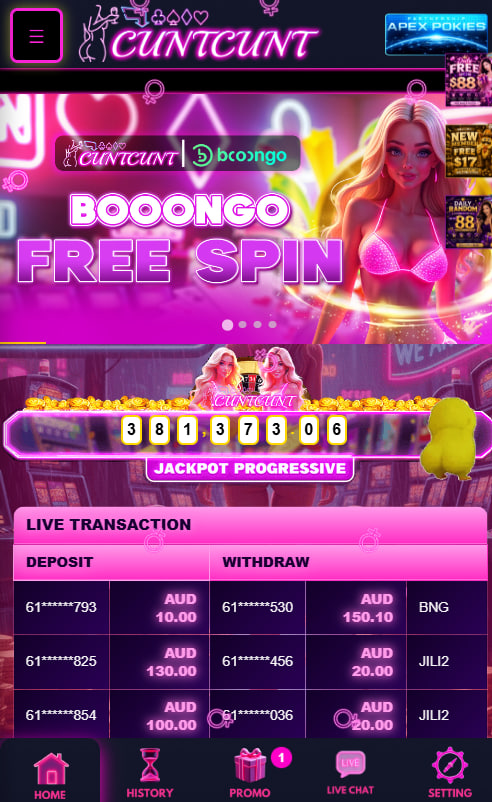
What the Mobile Lobby Includes
The Cuntspin Casino mobile interface mirrors the desktop layout with no feature gaps. All game categories, banking methods and bonus offers remain accessible, and live dealer streams adapt bet panels to the smaller format.
- Identical 7,000+ game library across pokies, live dealer, table games and crash titles
- Bottom navigation bar optimised for one-handed play
- Real-time leaderboards updated continuously
- Player-to-player chat inside live dealer rooms
- Push notifications for bonuses and tournament results
- Touch-optimised bet panels and quick-stake buttons
Players who hold an account can log in from the PWA the same way as the desktop site, and the welcome match remains active for new signups completed inside the app.
Performance, Data and Storage Footprint
The Cuntspin Casino PWA caches the navigation shell rather than the full game library, which keeps storage usage low. Initial install footprint stays under 10MB on both iOS and Android, well below the typical native casino app size. Bandwidth consumption is similar to standard mobile browsing because game assets stream on demand from provider servers. The PWA works on cellular data without significant performance loss, although live dealer streams benefit from Wi-Fi for video quality.
Troubleshooting Install Issues
Most install failures trace to a small set of configuration issues that resolve quickly.
- iOS install option missing — confirm the browser is Safari, not Chrome on iOS
- Android install banner not appearing — open the three-dot menu and select Install app manually
- Icon disappears after iOS update — long-press the home screen and re-add via the Safari share sheet
- PWA opens in browser instead of full screen — uninstall and reinstall the icon from the current URL
If the issue persists, support can verify the installation flow over live chat.

Felicity Ashbourne
Felicity Ashbourne reports on Cuntspin Casino at cuntspinn-casino.com, an Australian-focused offshore platform operating under Curaçao eGaming master licence 8048/JAZ2020-001. Covers the 7,000+ game library from 46 providers (Pragmatic Play / Booongo / BGaming / Playson / Mascot / Spribe / Evolution live dealer), 200% welcome match up to AU$5,000 + 250 free spins at low 4x rollover, weekly cashback at 1x wagering, provider boosts (30% Pragmatic Play / 100% Booongo), 4-tier VIP Rookie-Legend with no monthly reset, SMS-only registration and PWA mobile under 10MB without native App Store downloads.